
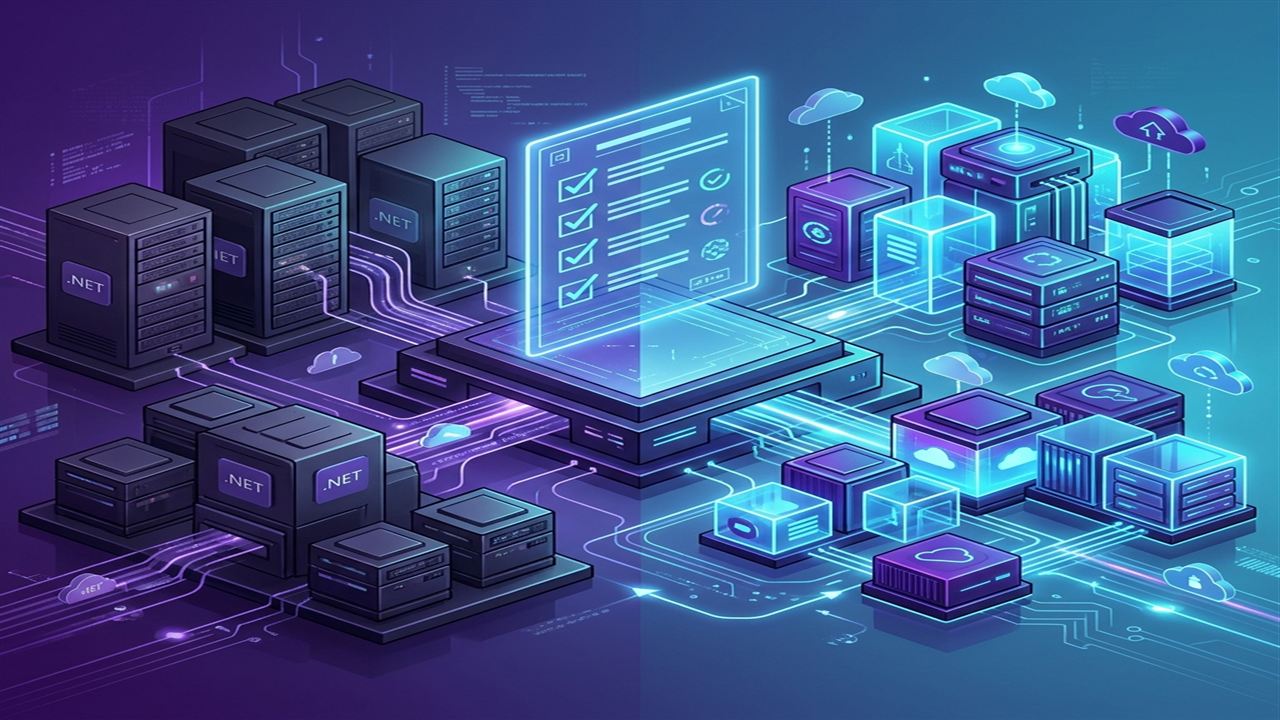
There is a well-known secret in enterprise IT: some of the most critical systems running the global economy are built on ASP.NET Web Forms, WCF services, and .NET Framework 4.7.2. They are stable, they have run for a decade, and nobody wants to touch them.
However, running legacy .NET Framework in 2026 comes with a massive, compounding tax. You are locked into expensive Windows Server licenses and IIS hosting. You cannot deploy lightweight Linux Docker containers to Kubernetes. Your application memory footprint is heavy, and good luck trying to hire ambitious junior developers who want to maintain fifteen-year-old ASMX web services.
Modernizing to **.NET 8** (or newer) is no longer just a technical nice-to-have; it is an operational necessity. But let us be clear: upgrading a massive legacy monolith is rarely a simple click of a button in Visual Studio. Here is the real-world, battle-tested checklist our software architects use when guiding enterprises through complex .NET migrations.
Phase 1: Discovery and Dependency Triage (Do Not Skip This)
The number one reason .NET migrations fail is that teams jump straight into coding before understanding their dependency web.
- Run the .NET Upgrade Assistant (But Expect Manual Work): Microsoft’s official CLI tool is great for analyzing project files and updating basic references. However, do not treat its output as gospel. It will flag incompatible libraries, but it cannot rewrite your custom business logic.
- Audit All Third-Party NuGet Packages: Check every single third-party reference. Are they compatible with
.NET Standard 2.0or.NET 8? If your legacy app relies on an open-source PDF generator or spreadsheet library that hasn't been updated since 2014, you must budget time to find and integrate a modern replacement. - Identify Hard Windows Dependencies: Modern .NET is cross-platform, meaning it must be able to run on Linux. If your code makes direct calls to the Windows Registry (
Microsoft.Win32.Registry), relies on Windows COM objects, usesAppDomainisolation, or depends heavily on Windows Workflow Foundation (WF), those features simply will not work. You must isolate and wrap these Windows-specific calls before migrating.
| Legacy .NET Framework Feature | Modern .NET 8 / Core Replacement | Migration Difficulty |
|---|---|---|
| ASP.NET Web Forms | Blazor Server / ASP.NET Core MVC / Angular | High (Full Rewrite) |
| WCF (Windows Communication Foundation) | gRPC / CoreWCF / RESTful Web API | Medium to High |
| Entity Framework 6 (EDMX / DB First) | Entity Framework Core (EF Core) | Medium |
| ASP.NET Web API 2 / MVC 5 | ASP.NET Core Web API / MVC | Low to Medium |
| App.config / Web.config | appsettings.json / Environment Variables | Low |
Phase 2: The Architectural Refactoring
Once you have mapped your dependencies, you begin the actual code refactoring. This is where you modernize the application architecture.
1. Goodbye Static Singletons, Hello Dependency Injection
Legacy .NET Framework applications are notorious for using global static classes and tight coupling. Modern ASP.NET Core is built entirely around built-in Dependency Injection (Microsoft.Extensions.DependencyInjection). You will need to refactor your data access layers and business logic into interfaces (e.g., IOrderService, IUserRepository) and register them in Program.cs as Transient, Scoped, or Singleton services.
2. The Entity Framework Core Reality Check
If you are upgrading from EF6 to EF Core, do not expect your LINQ queries to behave identically. EF Core evaluates queries differently and handles lazy loading with much stricter rules to prevent the dreaded "N+1 query problem." You must run SQL profilers during testing to ensure your migrated queries aren't generating massive, inefficient SQL statements under the hood.
3. Configuration and Security Overhaul
Delete your XML-heavy web.config files. Modernize your configuration by moving connection strings and application settings into JSON files (appsettings.json), Azure Key Vault, or environment variables. This makes your application cloud-native ready from day one.
Architectural Pro Tip: Use the Strangler Fig Pattern
Never attempt a "Big Bang" rewrite of a critical enterprise monolith—where you shut down development for a year to rewrite everything from scratch. Big bang rewrites almost always fail or exceed budget by 300%.
Instead, use the **Strangler Fig Pattern**. Put a reverse proxy or API Gateway (like Microsoft YARP) in front of your legacy application. Slowly carve out small, logical chunks of functionality (like User Authentication or Billing) into new, separate .NET 8 microservices. Route traffic for those specific endpoints to the new microservices while the rest of the traffic continues to hit the legacy app. Over time, the legacy app is safely "strangled" until nothing is left to turn off.
Phase 3: Cloud Infrastructure and Containerization
The biggest financial ROI of modernizing to .NET 8 comes at deployment time.
- Move to Linux Docker Containers: Because .NET 8 is cross-platform, you can package your web app into a lightweight Linux Alpine container image. Hosting Linux containers on Azure App Service or AWS ECS costs significantly less than provisioning bulky Windows Server VMs.
- Implement Health Checks: ASP.NET Core has native middleware for enterprise health checks (
MapHealthChecks). Configure these so your container orchestrator (Kubernetes or Docker Swarm) can automatically restart unresponsive instances. - Load Testing for Memory Leaks: .NET 8 manages garbage collection (GC) and thread pooling differently than .NET Framework 4.x. Before going live, run heavy load tests using tools like k6 or Apache JMeter to ensure your application memory remains stable under sustained peak traffic.
Conclusion: Is the Upgrade Worth It?
We won't sugar-coat it: modernizing a legacy .NET application requires serious architectural planning, senior engineering talent, and rigorous QA testing.
However, the payoffs are undeniable. Enterprises that migrate from .NET Framework 4.x to .NET 8 routinely see **30% to 50% reductions in cloud hosting bills**, massive API response time improvements, and a dramatic boost in developer velocity. Your codebase becomes clean, testable, and ready to scale for the next decade.